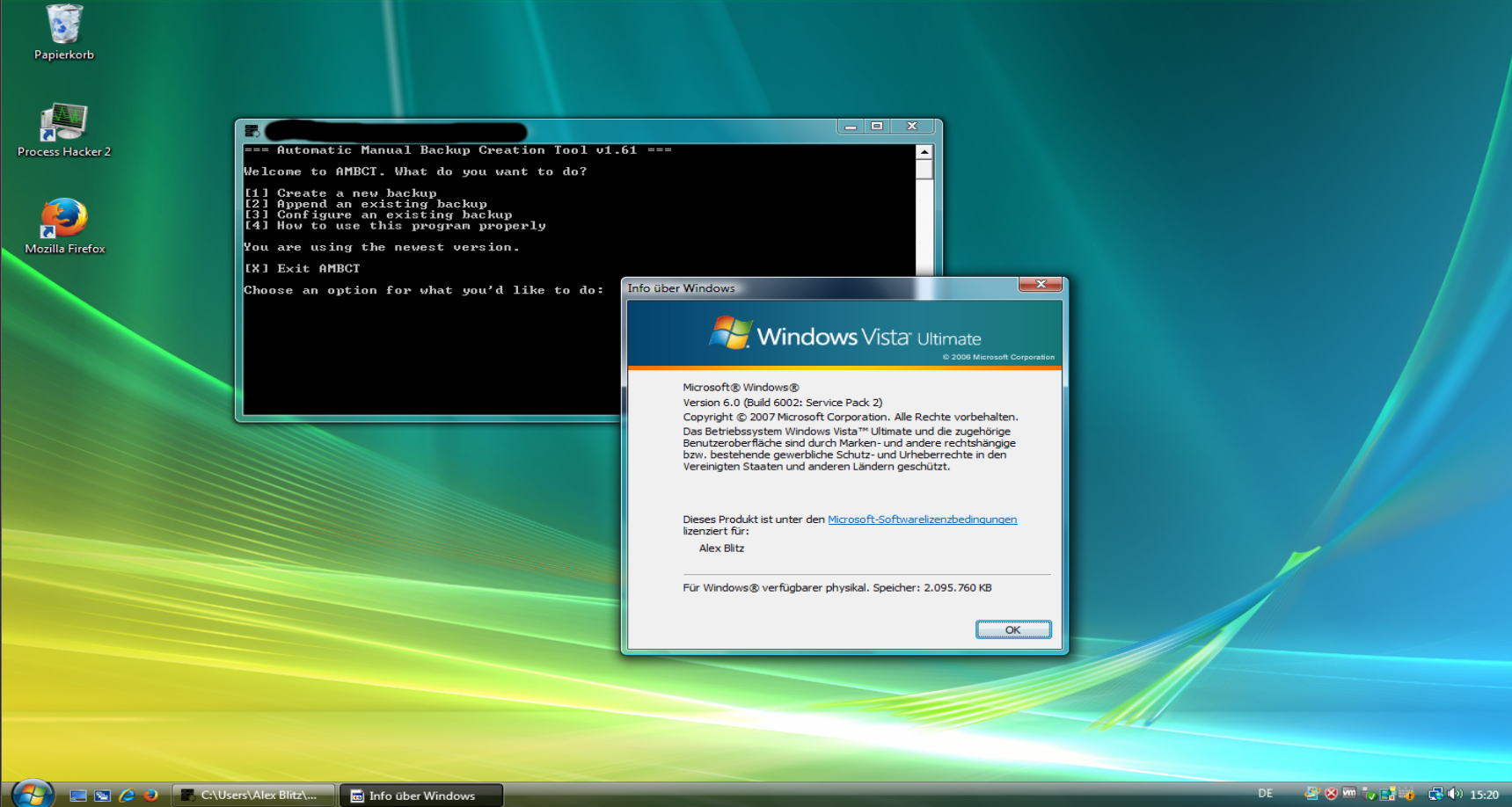
Windows Vista
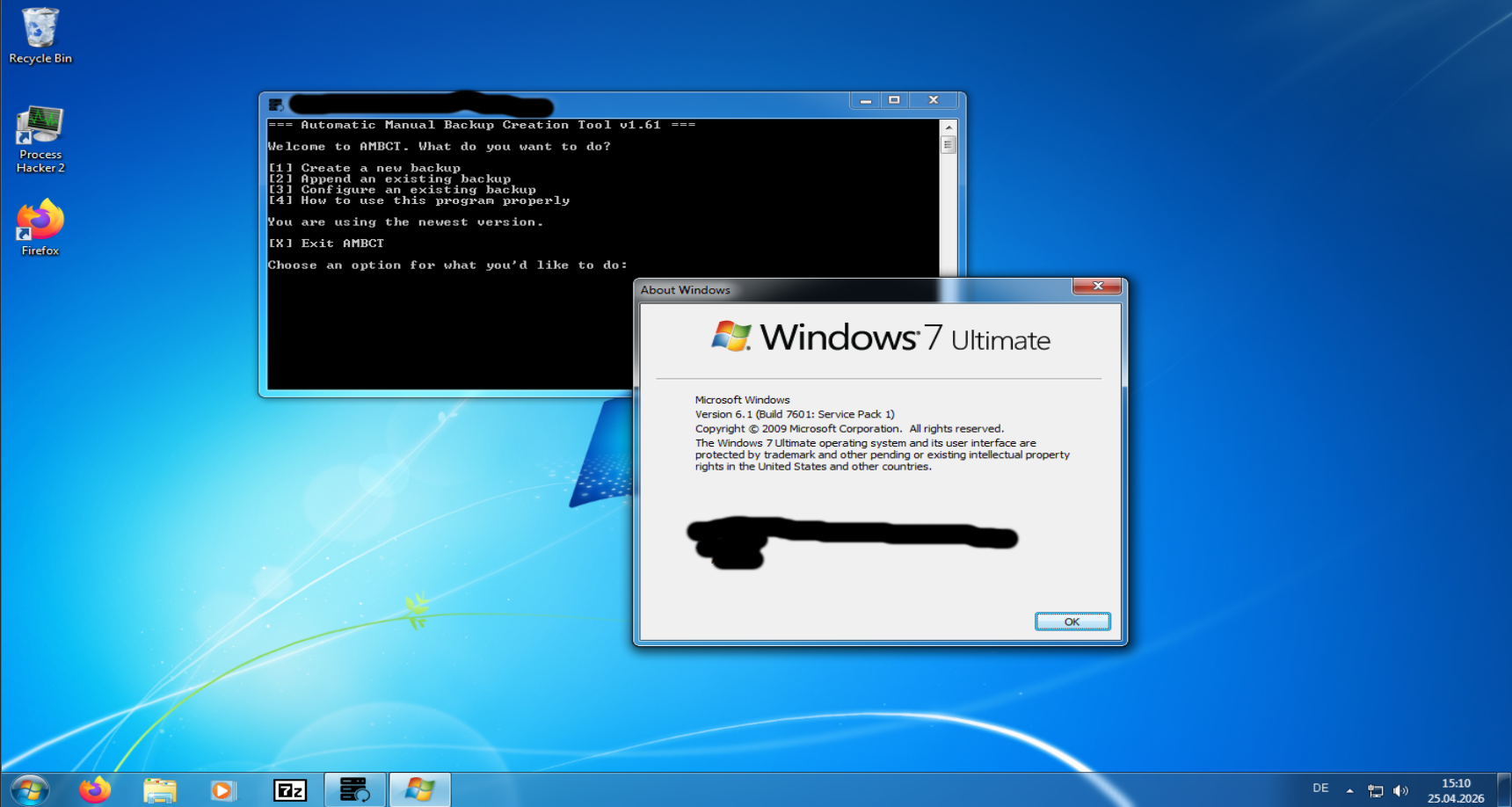
Windows 7
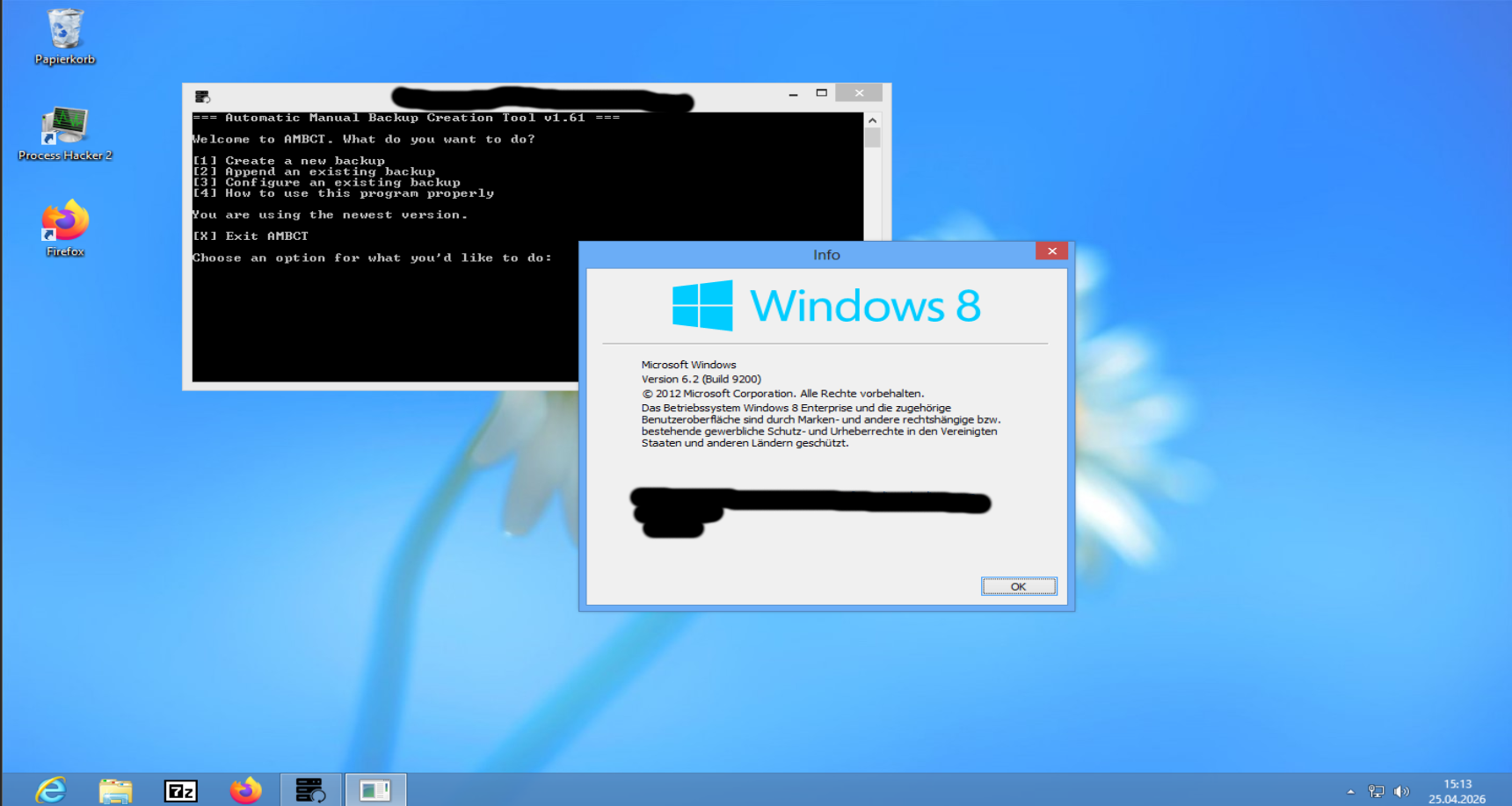
Windows 8
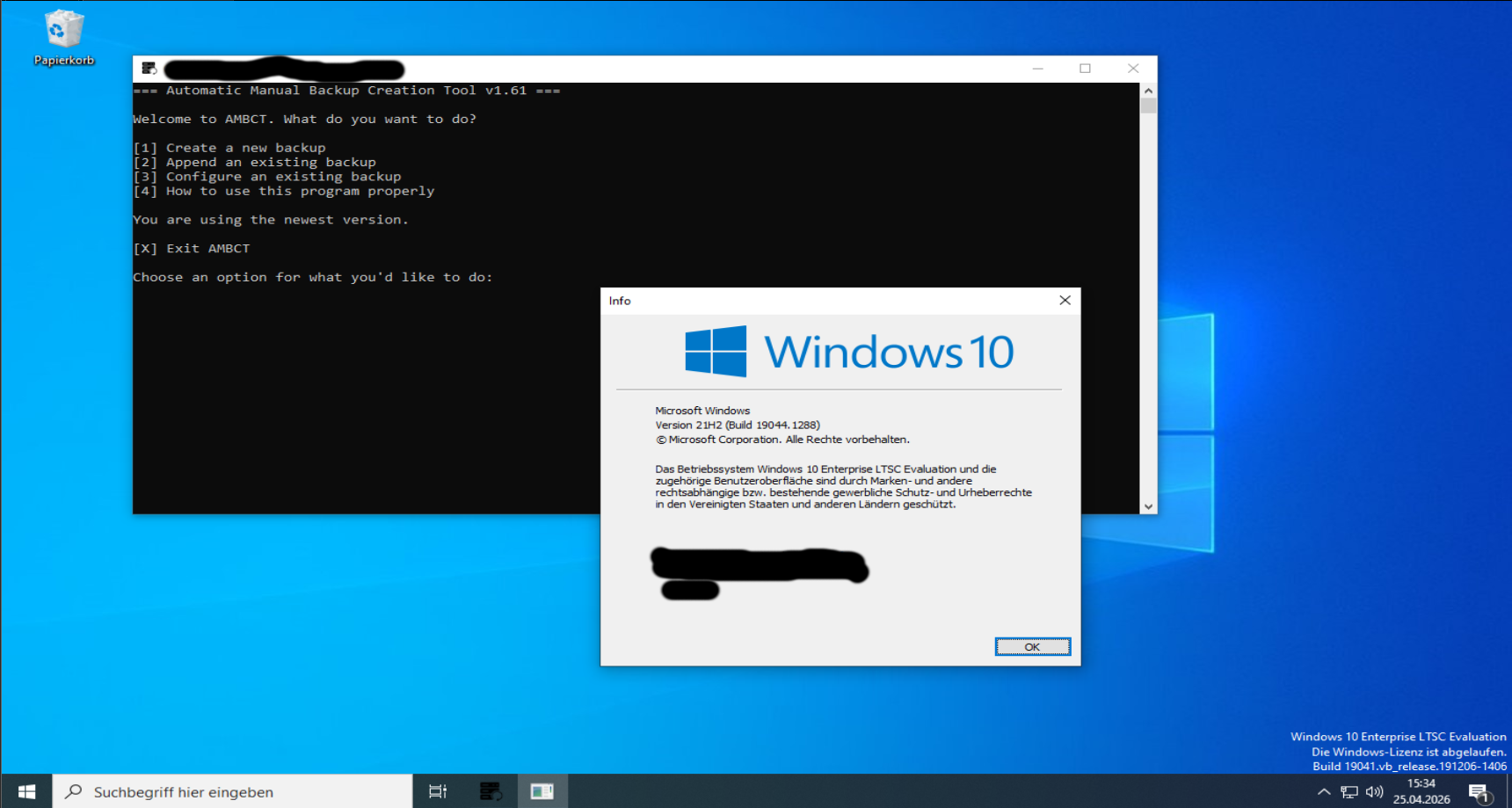
Windows 10
Windows 11
Version: v1.61 (64-bit)
A performance-aware backup system using wimlib-imagex.
Windows Vista
Windows 7
Windows 8
Windows 10
Windows 11
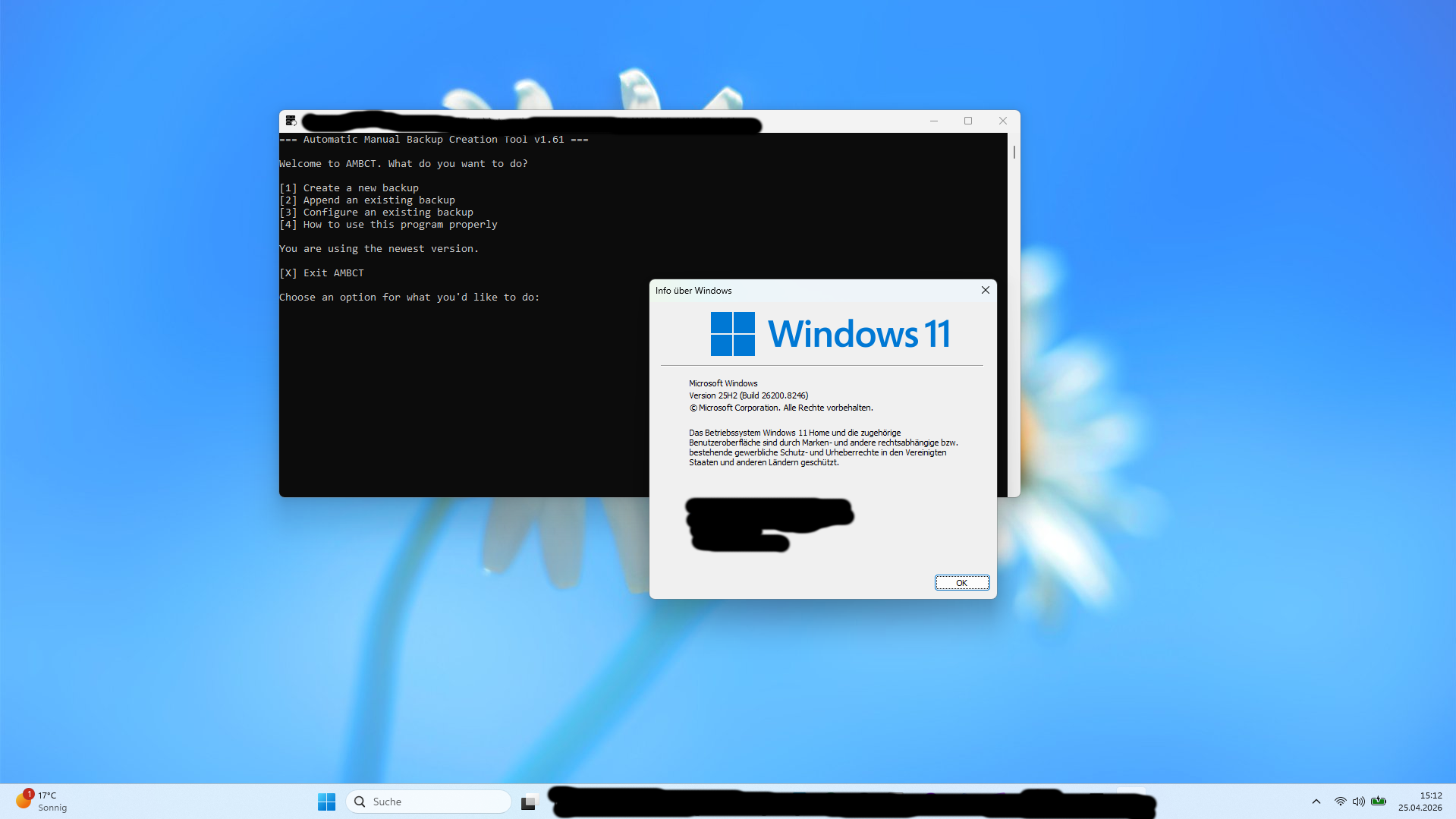
AMBCT runs on a wide range of Windows versions, from legacy systems like Vista to modern environments like Windows 11. It does not rely on modern APIs or internet connectivity, making it usable even in restricted or offline setups.
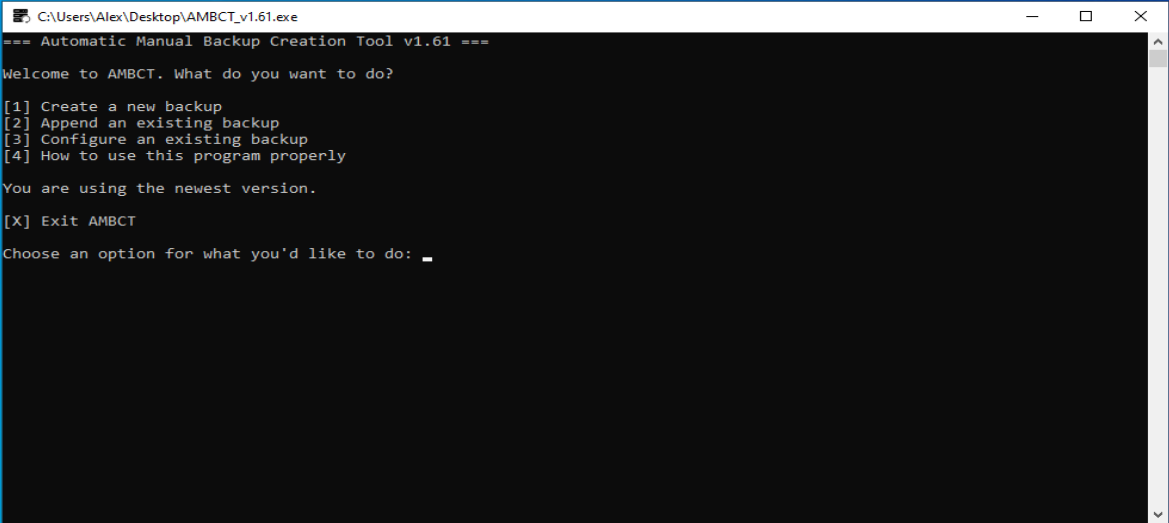
The main menu is the central entry point of AMBCT. From here, users can choose between creating a backup, appending to an existing one, or configuring backup images.
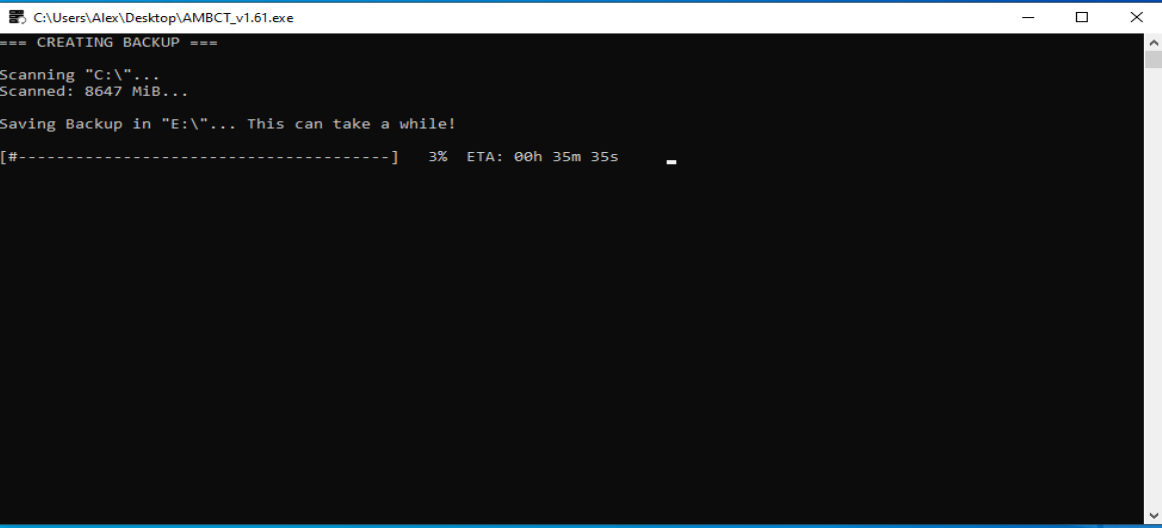
This mode allows you to create a completely new backup from a drive or folder. The process guides you step-by-step, ensuring all necessary information is selected correctly.
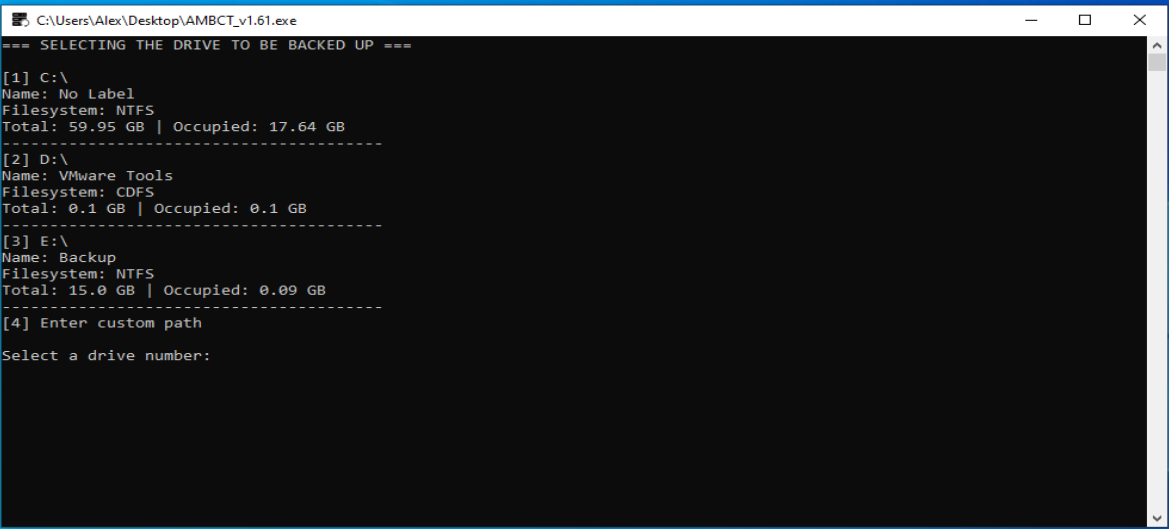
Here you select the source drive or folder that should be backed up. AMBCT automatically detects drives and displays useful information such as free space and size.
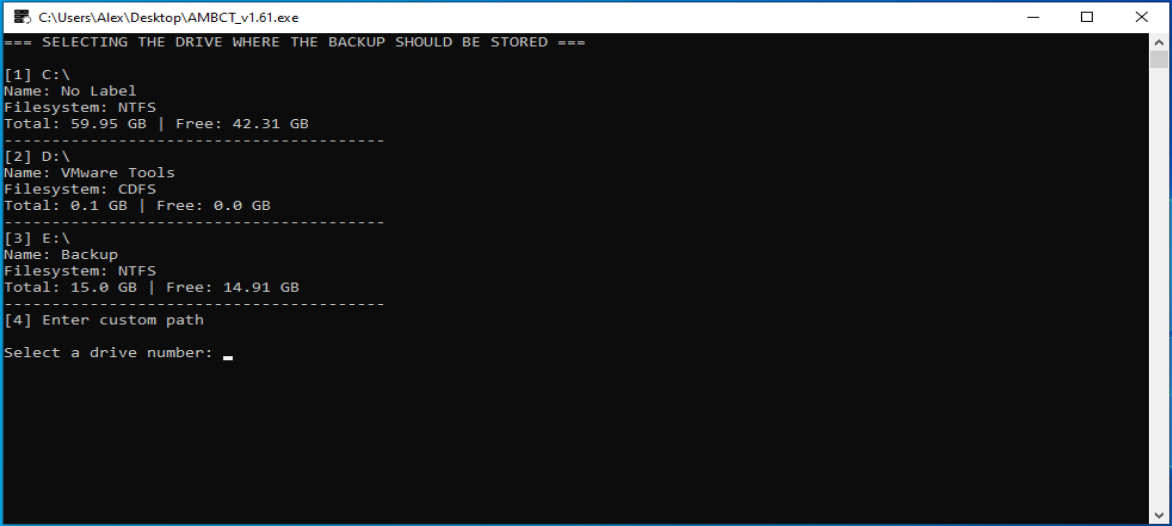
In this step, you choose where the backup will be stored. Selecting a suitable target location is important to ensure enough space is available.
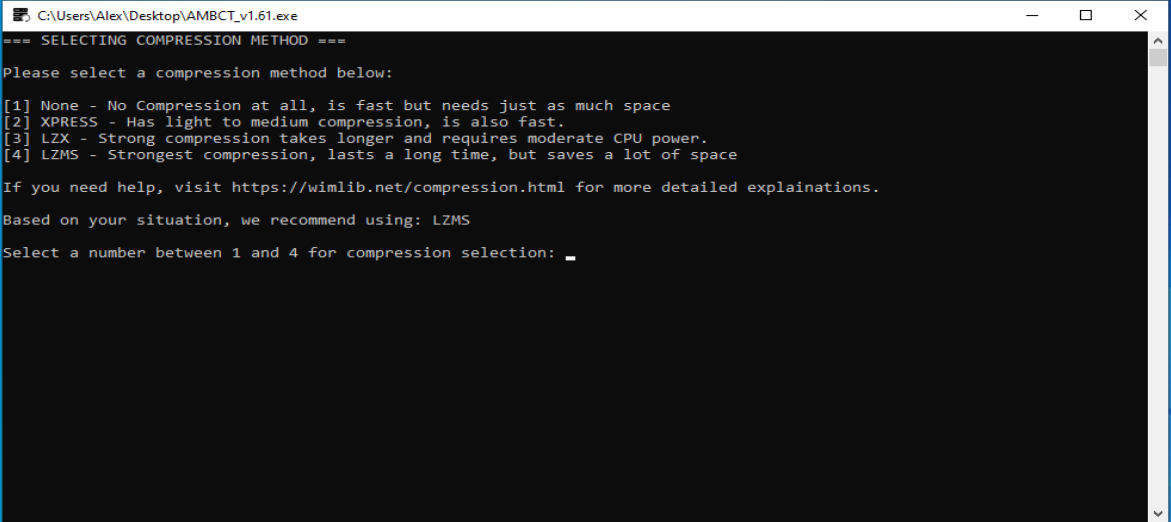
AMBCT offers multiple compression methods depending on your needs. You can prioritize speed or compression ratio depending on available storage and performance.
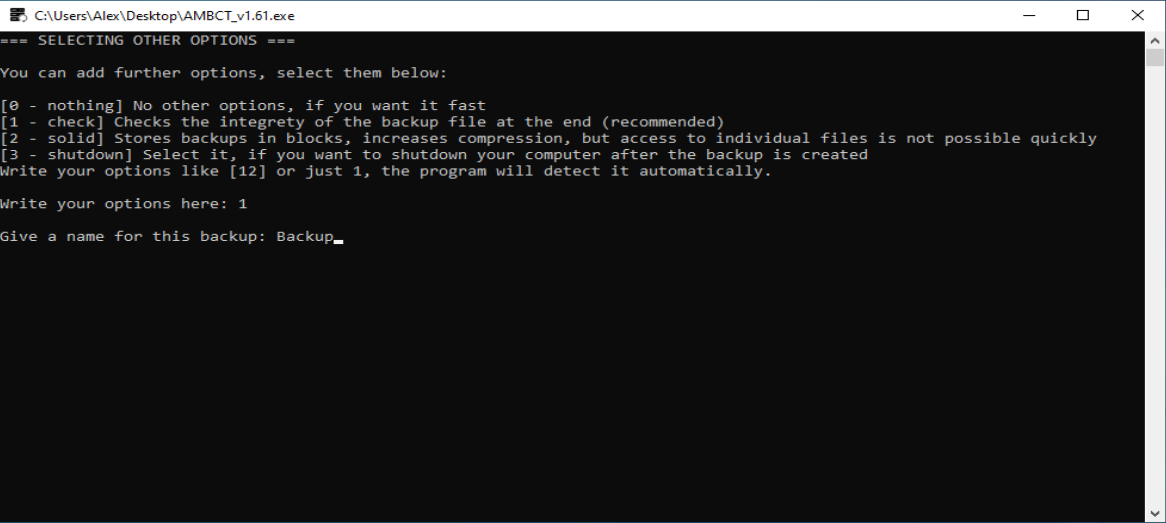
Additional options such as integrity checks or automatic shutdown can be enabled here. These options allow further customization of the backup process.
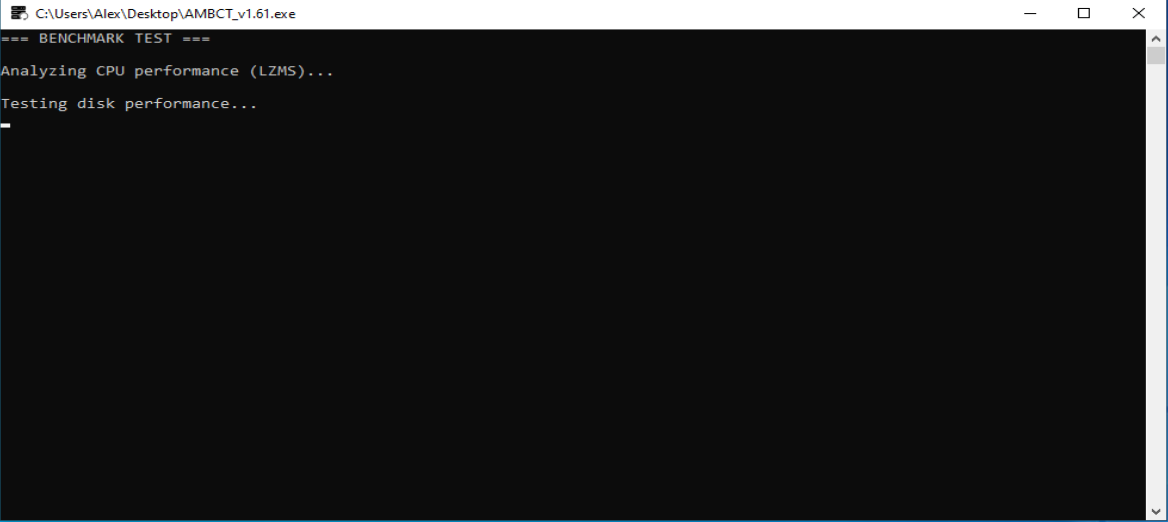
AMBCT performs a real benchmark before starting the backup. It measures CPU performance as well as disk read and write speeds to calculate a realistic ETA.
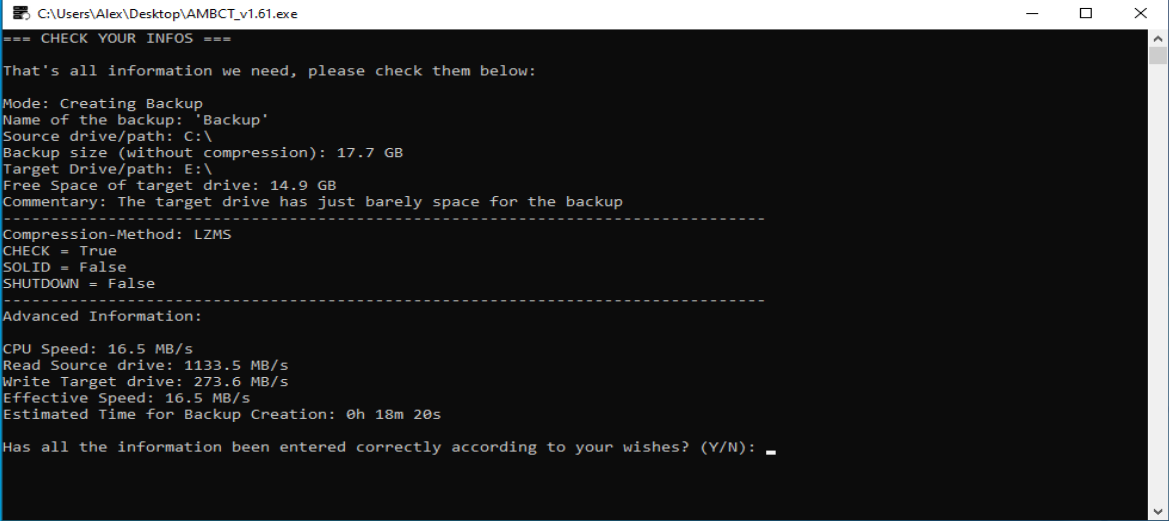
All selected settings are displayed for final confirmation. This ensures that no mistakes are made before starting the backup process.
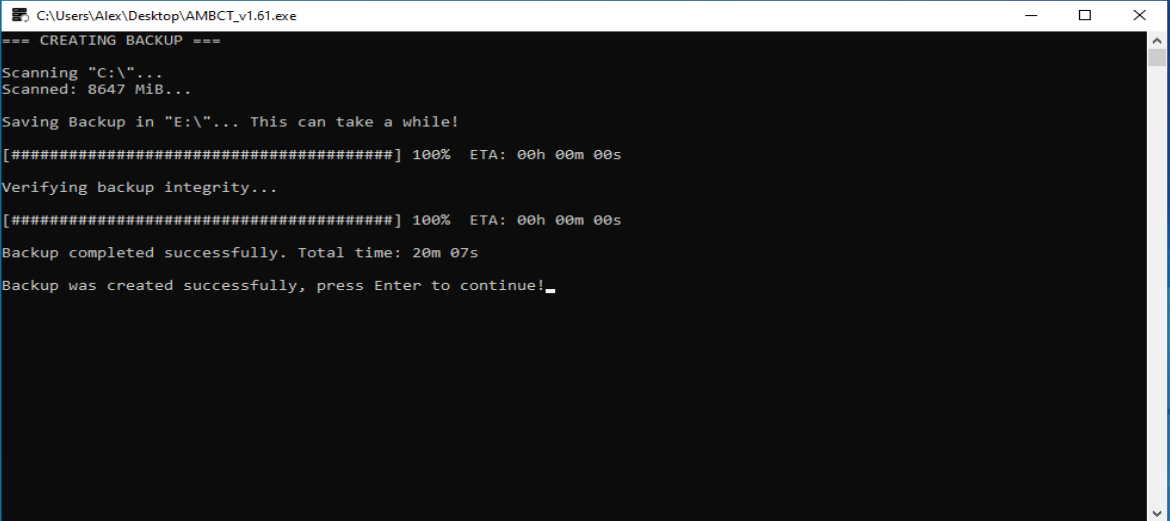
After completion, the backup is finalized and optionally verified. The process ensures that all data has been written correctly.
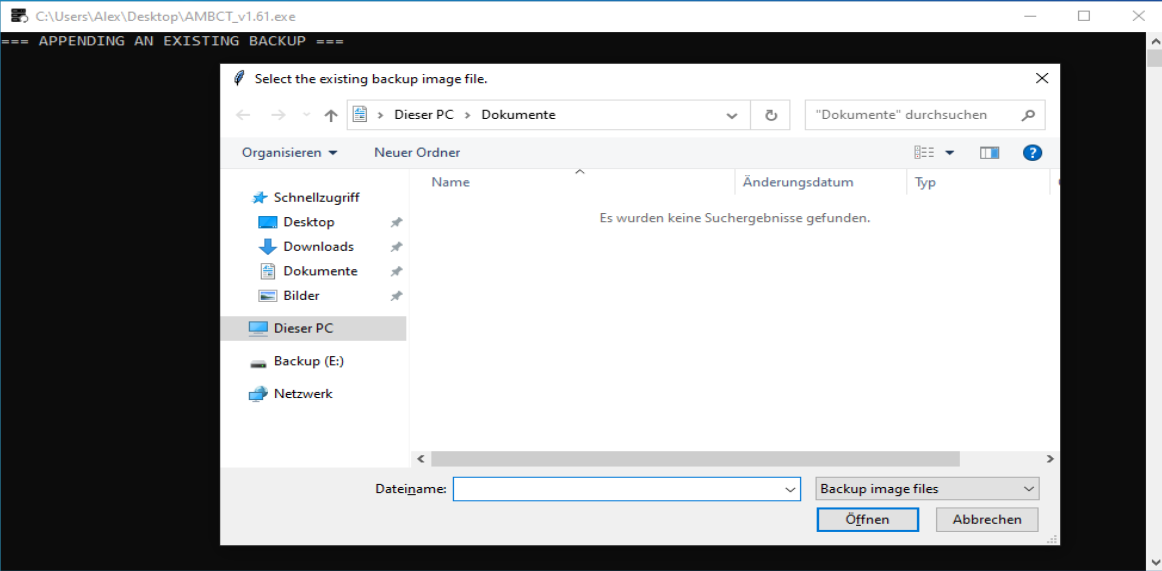
In append mode, an existing backup file is selected. This allows adding new data without creating a completely new backup.
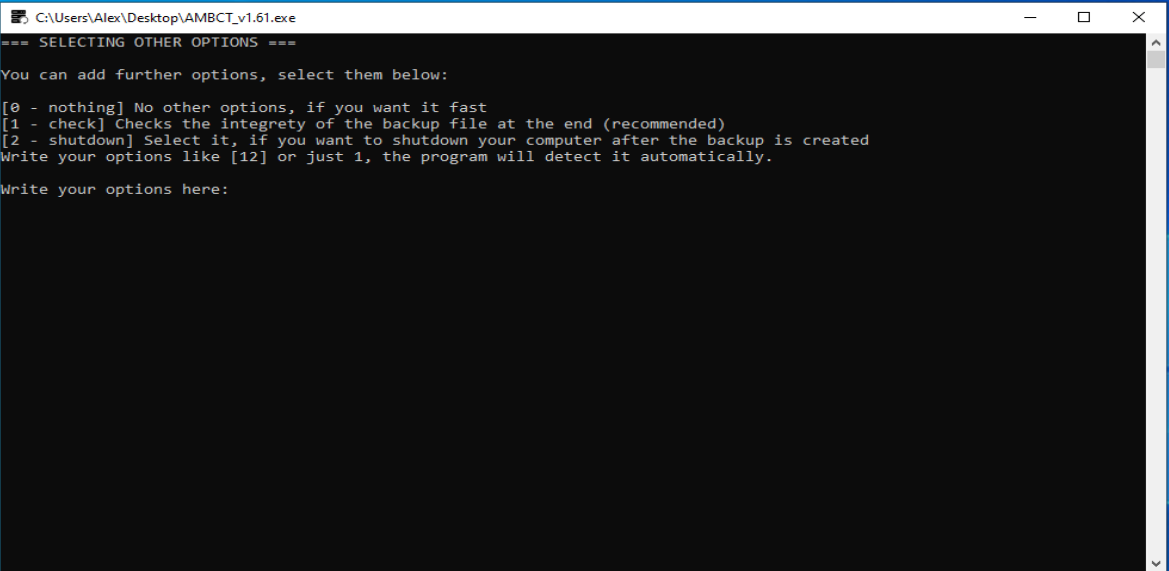
Options can be configured similarly to the create mode. Compression is automatically matched to the existing backup for consistency.
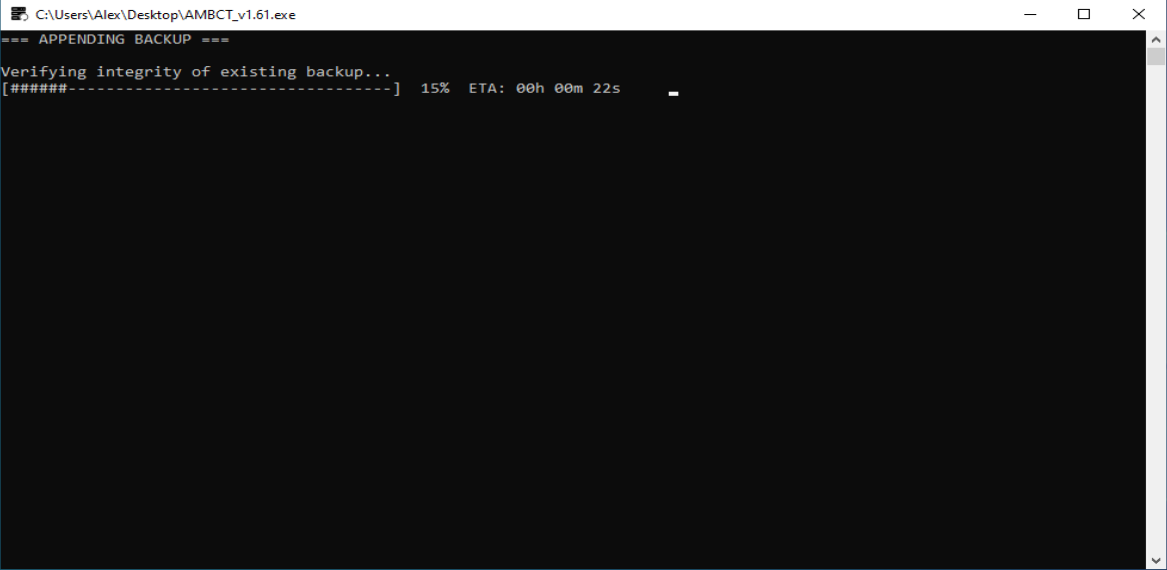
The append process integrates the new data into the existing backup. This avoids duplication and keeps backups organized in a single file.
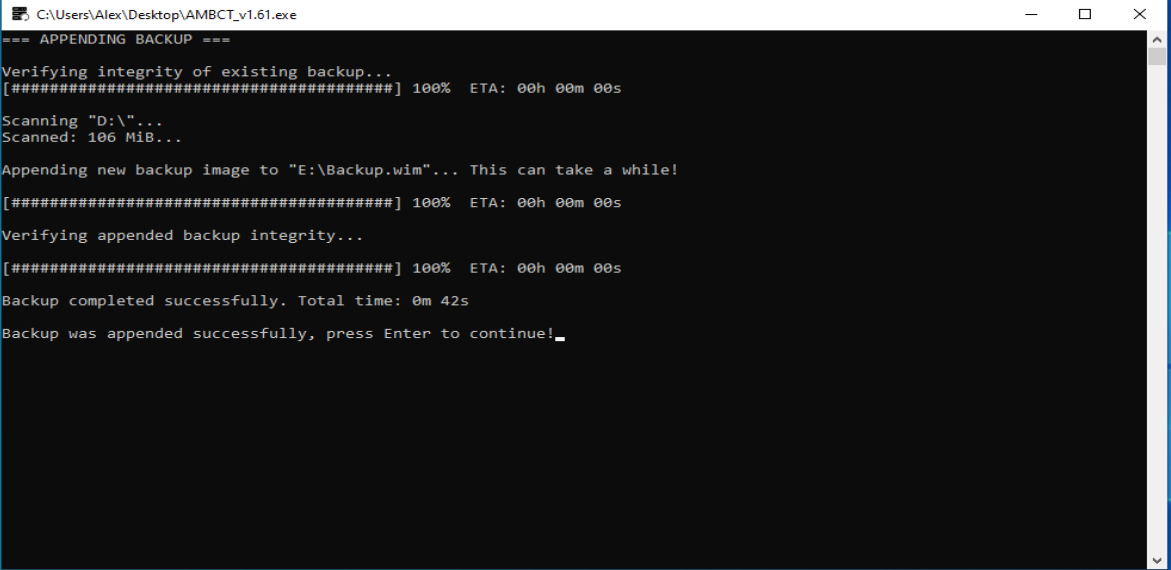
After completion, the updated backup is verified again. This ensures the integrity of both old and newly added data.
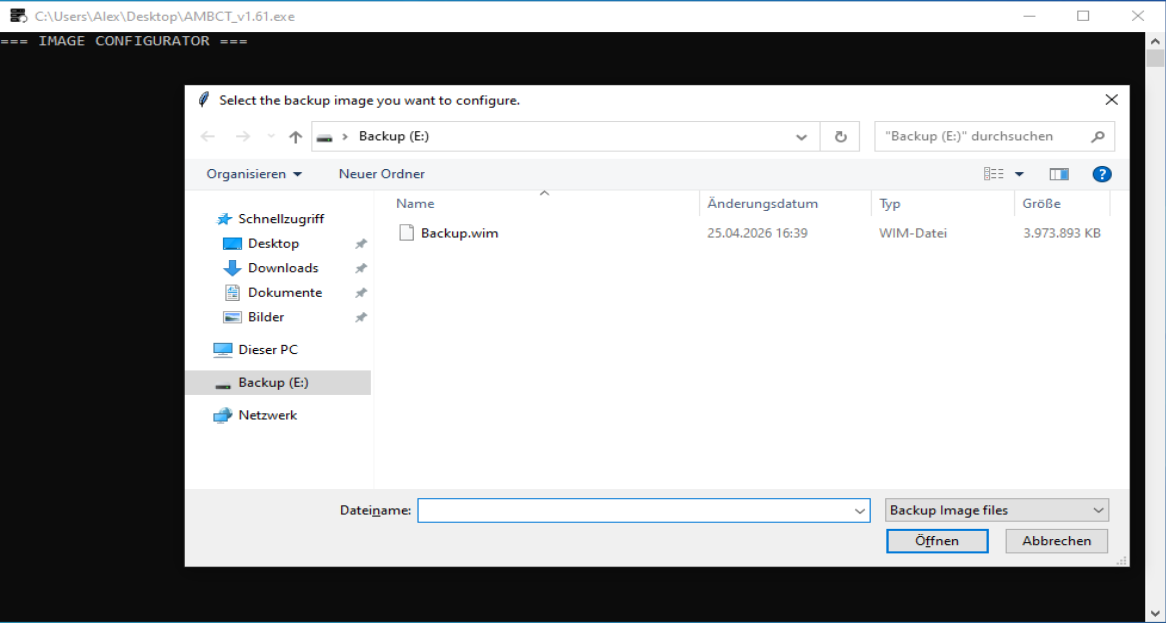
The configurator allows you to manage existing backup images. You can inspect and modify their properties without extracting them.
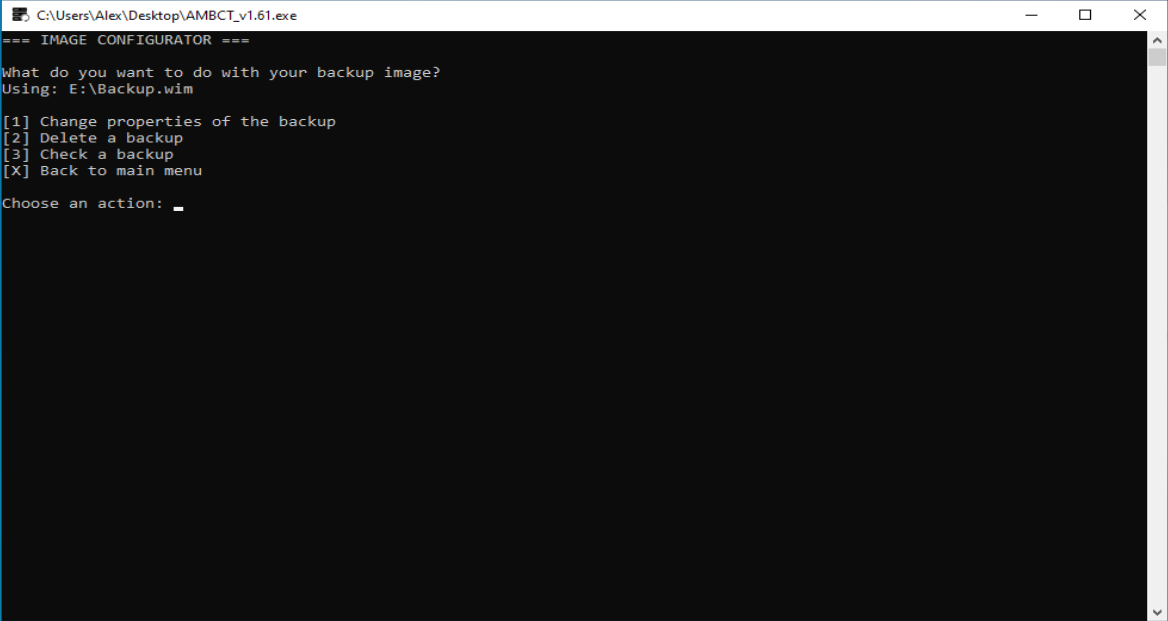
This overview displays all information about the selected backup. It includes metadata such as size, compression type, and contained images.
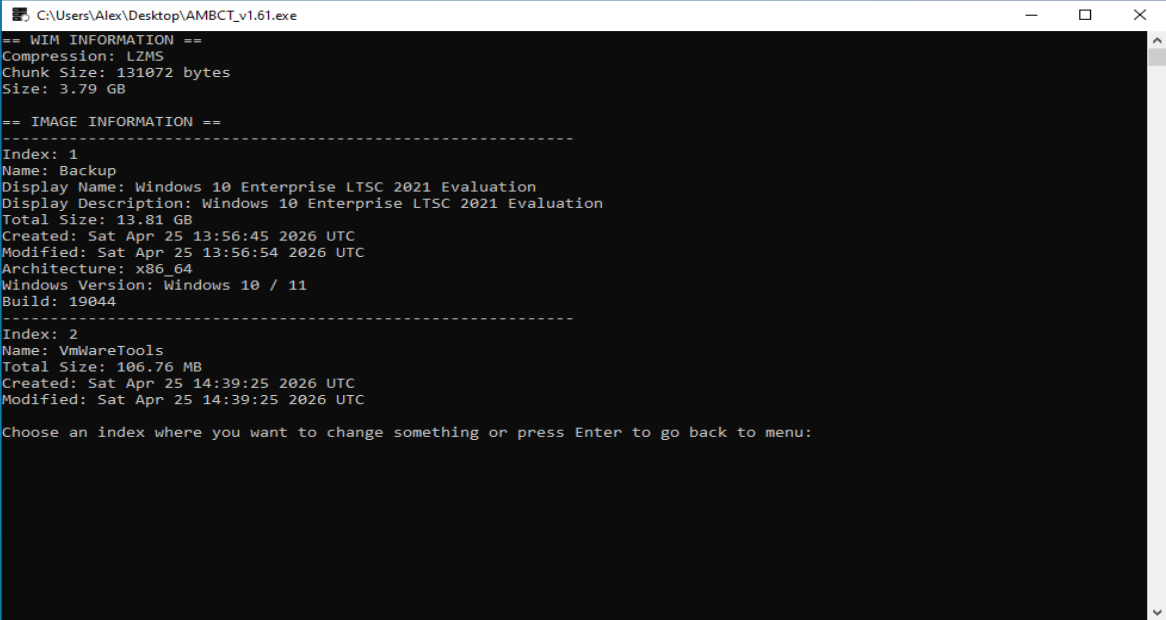
Select a specific index inside the backup to modify it. Each index represents a separate backup entry within the WIM file.
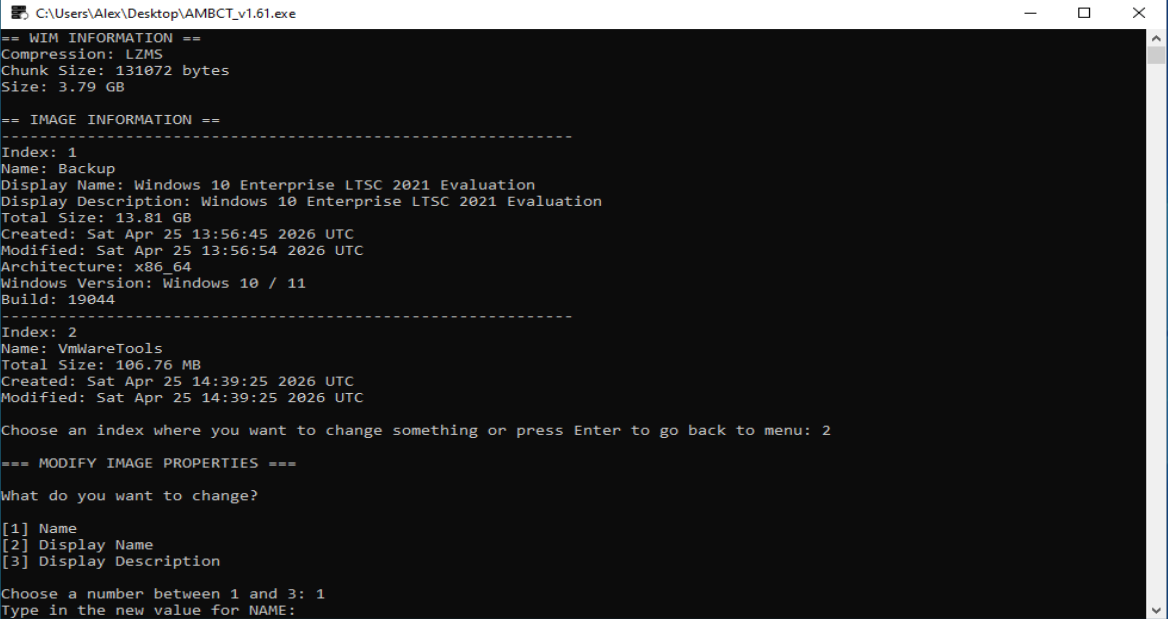
Here you can change properties like name or description. Changes are applied directly without needing to rebuild the backup.
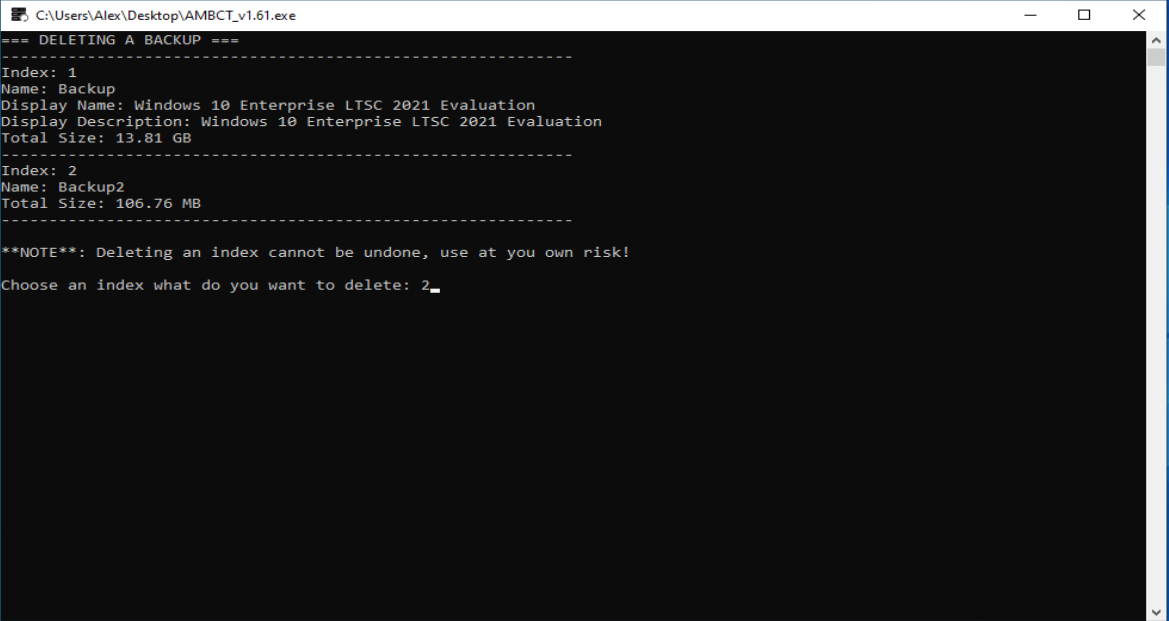
You can remove individual backup entries if they are no longer needed. This helps to keep backup files clean and organized.
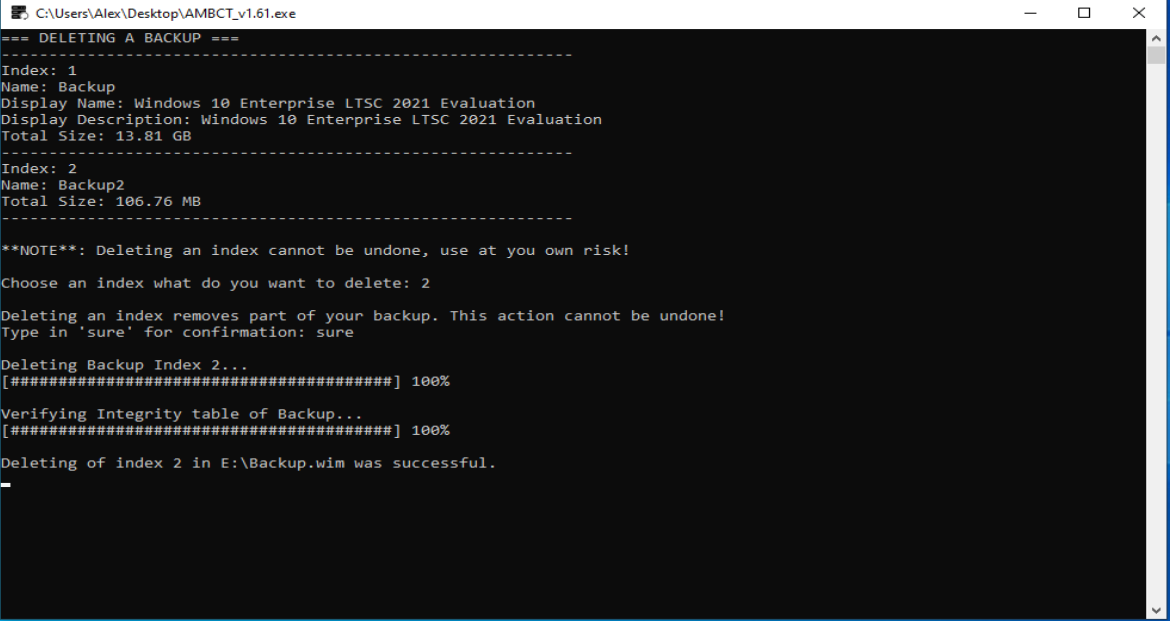
After deletion, the backup is updated immediately. The operation is performed safely using wimlib.
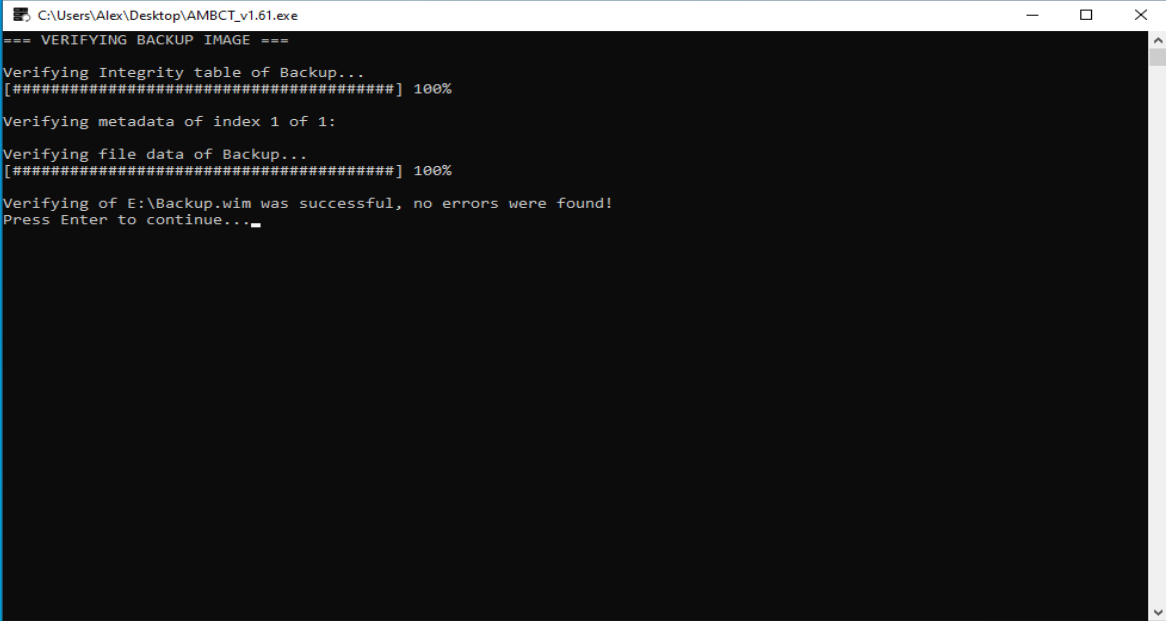
Backups can be verified at any time. This ensures long-term data integrity and reliability.
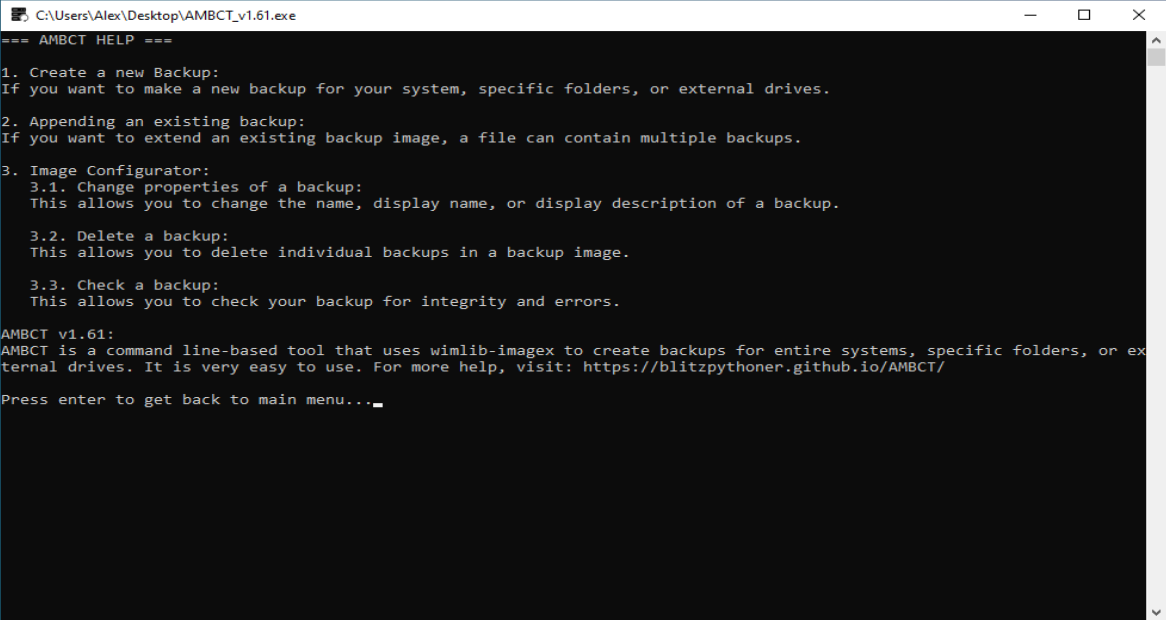
The built-in help section explains all available options. It provides quick guidance directly inside the program.
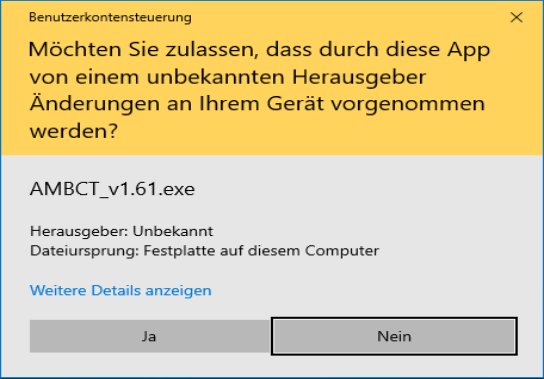
AMBCT requires administrator privileges to function correctly. This is necessary for accessing drives and creating system snapshots.
AMBCT is a lightweight but powerful backup system designed for both modern and legacy Windows systems.
It combines manual control with real performance analysis to ensure reliable and predictable backups.